



Hobbies·Technology · 3 min
How to Take Better Photos With Your Phone
Nutshell The phone in your pocket can take far better pictures than most people get out of it. Ten small habits, from a clean lens to a gentle edit, that make the difference.
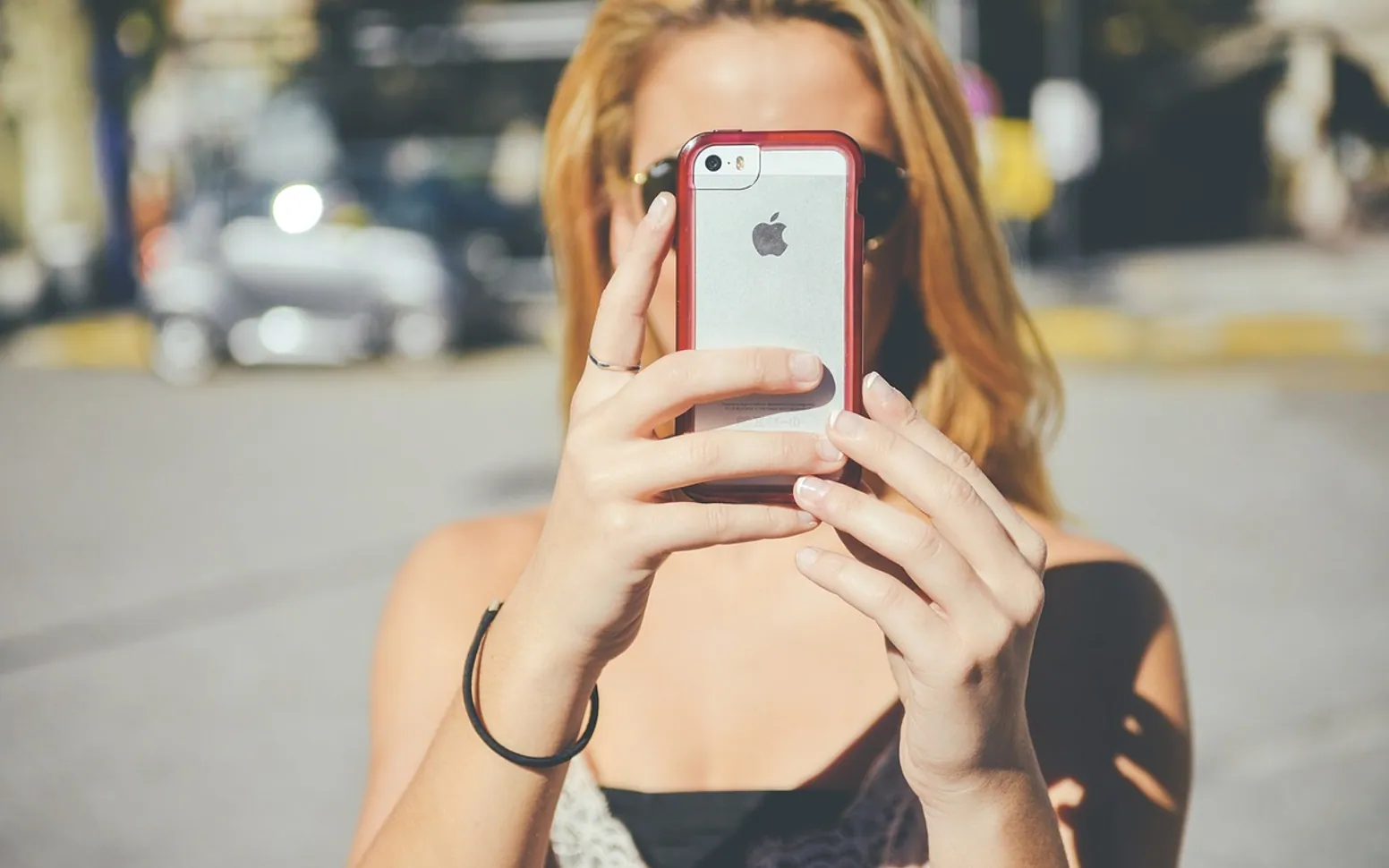
You frame the sunset, tap the button and look at the result: a grey sky, a black silhouette where your friend was standing and a faint haze over everything. The phone was not the problem. A handful of habits decide most of what ends up in the camera roll, and none of them needs an extra lens or an app.
Ten habits that improve almost every shot
- Wipe the lens first. Phones live in pockets and hands, and a thin film of grease is the most common cause of soft, foggy pictures with glowing streetlights. A quick rub with a soft cloth or a clean shirt fixes it.
- Turn on the grid. The camera settings on iPhone and Android both offer a grid of two horizontal and two vertical lines. Placing the subject near one of the crossings, rather than dead centre, usually gives a calmer, more balanced frame, and the lines help keep horizons level.
- Tap to focus, then adjust brightness. Tap the subject on screen to set focus. A small sun or slider appears next to it; drag it down to rescue a bright sky or up to lift a dim room. Pressing and holding on most phones locks both settings so they do not jump around while you recompose.
- Walk closer instead of pinching. Pinch-zoom on the main camera simply crops and enlarges the image, which costs detail. If your phone has a dedicated telephoto lens, the 2x, 3x or 5x buttons switch to it; beyond that, use your feet.
- Look for soft light. Open shade, an overcast day or a window to one side of your subject flatters faces and objects. Harsh midday sun creates squinting and hard shadows. The hour after sunrise and the one before sunset give warm, low light that suits almost anything.
- Keep the sun behind you, or use it on purpose. Shooting straight into bright light turns people into silhouettes. Turn them around, or embrace the silhouette deliberately with a clean outline against the sky.
- Hold still. Use two hands, tuck your elbows in and press a volume button as the shutter instead of jabbing the screen. In low light, lean on a wall or set the phone on a table and use the self-timer.
- Use the right mode. Portrait mode blurs the background for people and pets; night mode collects light over a second or two, so keep very still while it counts down; burst mode, usually a press-and-hold or swipe on the shutter, catches children, sport and anything else that moves.
- Clear the background. Before you shoot, glance at the edges of the frame. A bin, a lamppost growing out of someone's head or a half-visible stranger draws the eye more than you expect. Take one step left or right and it is gone.
- Edit lightly. The built-in editor is enough: straighten, crop, nudge exposure and warmth. Heavy filters date quickly, and over-sharpened photos look brittle on large screens.
Match the habit to the subject
| Subject | What helps most |
|---|---|
| People and portraits | Soft window light, portrait mode, eyes in focus, telephoto lens if available |
| Food and crafts on a table | Light from the side, shoot from directly above or at a low angle, plain background |
| Landscapes and cities | Grid on, level horizon, golden-hour light, exposure pulled down for skies |
| Night scenes | Night mode, phone braced or on a surface, no flash |
| Pets and children | Burst mode, get down to their eye level, plenty of light |
Photos for a hobby or a profile
Crafters and painters often photograph finished pieces to share or to keep a record. Lay the work flat near a window, switch off overhead lamps so two colours of light do not mix, and shoot straight down so the edges stay square. If you paint, a sharp reference photo of a scene is worth more than three blurry ones; the basics of getting started with watercolor painting pair well with a habit of taking your own references.
Clean, bright images also make a visible difference on visual platforms. Pins with clear, vertical photos tend to stand out, and the walk-through on building a Pinterest board people save shows how to group them.
Look after what you shoot
Better photos are only useful if they survive. Keep at least one copy off the phone; the plan for backing up photos so you never lose them takes a few minutes to set up. Delete the near-duplicates from each burst while you still remember which frame was best, and the camera roll stays easier to browse.
Got a topic idea?
Suggestions help us plan.