






Skip to the good bit

Freshly filed

Today’s quick hits

Phone tricks, inbox clean-outs, channel tips and hobbies worth logging off for. Skim it on the bus, use it by lunchtime.

Pick a beat

Ne

Newsdump · 5 min

Big read

Staying Connected in Seoul: SIM, eSIM and Wi-Fi

For most visitors to Seoul, an eSIM is the simplest way to stay online: you install it before you fly, switch it on when you land and keep your home number on the phone's second line. A physical prepaid SIM suits older phones that cannot take an eSIM, and a portable Wi-Fi router makes sense for groups or travellers carrying several devices. Free public Wi-Fi is widespread, but treat it as a backup rather than your main connection.

Once the connection question is settled, the next task is setting up the right apps, because maps, transit, translation and bookings all lean heavily on your phone in Korea.

SIM, eSIM or portable Wi-Fi: how they compare

OptionHow you get itGood forWatch out for
eSIMDownloaded and installed by QR code or app, often before departureSolo travellers with a recent, unlocked phoneYour phone must support eSIM and not be carrier-locked
Physical prepaid SIMBought at the airport or a shop, inserted into the phoneOlder unlocked phones; travellers who want a local number for callsYou remove your home SIM, so keep it somewhere safe
Portable Wi-Fi routerRented and collected at the airport or delivered, returned at the endFamilies and groups sharing one connection; laptops and tabletsOne more device to charge and carry; everyone must stay close to it
Home roamingActivated through your own carrierVery short trips where convenience matters mostTerms vary widely, so read your carrier's conditions first

Which one should I choose?

Ask two questions. First, does your phone support eSIM and is it unlocked? If yes, an eSIM is the least fuss. Second, will you travel as a group that stays together all day? If so, one portable router can cover everyone. Some plans include a local phone number, which helps when a restaurant or ticket site asks for a Korean number to confirm a booking, so check for that if you expect to reserve things.

Free Wi-Fi in public places

Seoul has free Wi-Fi in many subway stations, on buses, in parks and squares, at cafes and in most hotels. It is handy for topping up a download or making a quick call, but connections can drop as you move, and open networks are not the place for banking or entering passwords. If you must use one for anything sensitive, a trusted VPN on your phone adds a layer of protection.

Apps worth installing before you land

It is easier to set these up at home on a fast connection than on arrival. Look for these types of app:

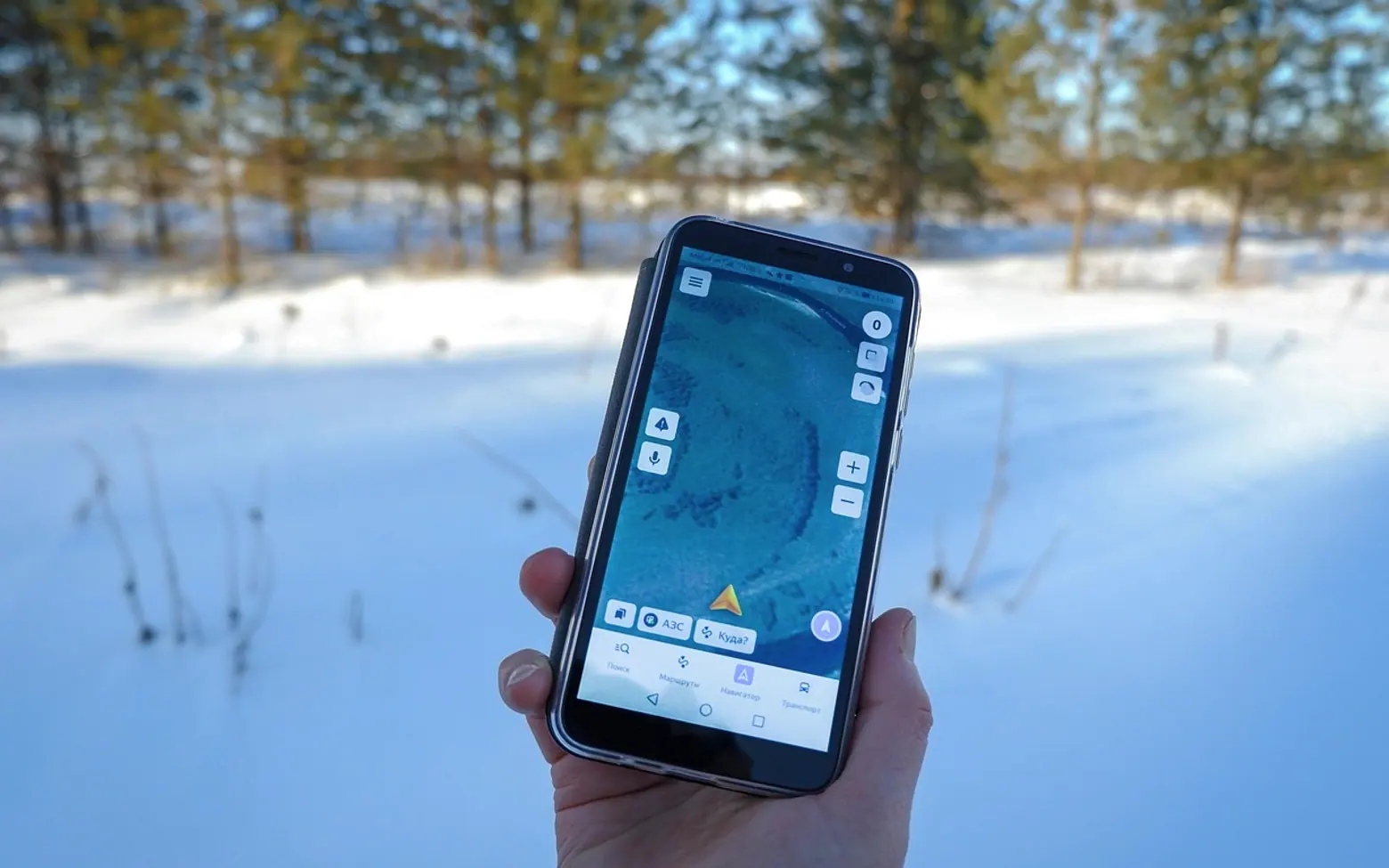
  • A locally popular map app. International map services can be limited in Korea, so a Korean map app with walking and transit directions is far more reliable. Many have English interfaces; searching by Korean place names still gives the most accurate results.
  • A subway map app. A dedicated metro app shows lines, transfers and exit numbers, which matter in large stations.
  • A taxi-hailing app. Typing the destination avoids pronunciation problems and shows the route on screen.
  • A translation app with camera mode. Point it at a menu, a sign or a kiosk screen and it overlays a translation. Download the Korean language pack for offline use.
  • A messaging app used locally. Some shops and guesthouses prefer to answer messages there.

Offline maps and language packs take space, so it can pay to free up storage on your iPhone before you leave. On later trips to places where Google's maps are complete, the routine for saving a Google Maps area to your phone does the same job before you fly.

Booking when the website is in Korean

Plenty of restaurant, show and activity pages are written only in Korean. Your phone's browser can usually translate a whole page with one tap, which is enough to read times, group sizes and rules. For karaoke rooms in Gangnam, Korean-language listings such as the Karaoke of Gangnam Website gather details about private rooms for groups, and a translated view of the page makes it easy to compare options before you call or book.

A few habits make Korean booking forms less frustrating:

  1. Copy your hotel's address in Korean into a note so you can paste it into forms and taxi apps.
  2. Screenshot every confirmation, in case you lose signal at the door.
  3. If a form demands a local phone number, ask your hotel front desk whether they can help or call on your behalf.
  4. Check whether the booking covers a set time, such as an hour in a karaoke room, so you know when to wrap up.

Keeping your phone charged on long days and late nights

Navigation, translation and photos drain a battery quickly, and Seoul evenings tend to run late. Plan for it:

  • Carry a power bank and the right cable, and charge both every night. Power banks belong in carry-on luggage, not checked bags.
  • Bring a plug adapter for Korean sockets if your home plugs differ.
  • Let photo uploads wait for hotel Wi-Fi at night; the steps in our guide on backing up photos so you never lose them work well as an end-of-day routine.
  • Turn on low power mode once the battery drops, and dim the screen.
  • Silence non-essential apps and close background tasks you are not using, so the battery goes to maps and translation.
  • Many cafes have sockets at the tables, and some public places offer charging stations; buying a drink while you top up is good manners.

If a late evening includes drinks, make sure your phone has enough charge to call a taxi or open the transit app, and leave any car parked until the next day.

Will my phone work with Korean networks?

Most recent phones sold internationally support the network bands used in Korea. If yours is older or was bought for a single carrier, check its specifications and confirm it is unlocked before you buy a local SIM or eSIM.

Can I rely on free Wi-Fi alone?

You can get by for a short city stay, but gaps between hotspots make live navigation awkward. A small data plan removes the guesswork, especially when you are finding a station exit or a late-night address.

Sort the connection first, install the app types above at home and keep a charged power bank in your bag; with those three in place, a Korean-only menu or a booking page in Hangul becomes a minor detour rather than a dead end.


Guides

Ne

Newsdump · 5 min

Big read

Organic and Paid Social Media: How They Fit Together

Organic and paid social media do two different jobs, and a small business usually gets the most from them when it treats them as one plan. Unpaid posts build a relationship with people who already follow you and show newcomers that the business is real and active. Paid ads put a chosen message in front of people who have never heard of you, let you pick who sees it and tell you quickly which version works. Organic gives you credibility; paid gives you reach and feedback. Neither replaces the other.

What unpaid posting does well

Regular, unpaid posting is the shop window. When a potential customer taps on your profile after seeing an ad or hearing about you from a friend, the feed is what convinces them you are worth a message. A profile with recent, useful posts reads as trustworthy; an empty one or one that went quiet months ago raises doubts.

Organic content is also where a business finds its voice. Answering comments, sharing behind-the-scenes moments, explaining how a product is made or showing a finished job all teach you which topics your audience actually responds to. If you are still setting up the basics, our guide on writing a profile bio that tells visitors what you do covers the first thing newcomers read.

The limitation is reach. Most feeds are sorted by algorithms, so a post typically reaches only a share of your followers and very few people beyond them. Growth from unpaid posts alone tends to be slow and steady rather than fast.

What paid ads add

Paid placements solve the reach problem and bring three things organic posting cannot easily give you:

  • Reach beyond your followers. Your message appears in front of people who match the audience you describe, not only those who already know you.
  • Targeting. Ads can be shown by location, age range, interests or to people who have visited your website, so a local bakery is not paying to reach people three hundred miles away.
  • Testing. Running two versions of an ad side by side shows which image, headline or offer people respond to. Those lessons feed straight back into your unpaid posts.

Ads also stop the moment you stop paying, which is why they work best on top of an active profile rather than instead of one.

Boosting a post or building an ad

Most platforms offer two routes into paid promotion, and they suit different goals.

Boosting an existing postBuilding an ad in the ads manager
Set-upA few taps from the post itselfMore steps, more choices
Best forGiving a post that already did well a wider audienceSpecific goals such as website visits, sign-ups or sales
TargetingBasic optionsDetailed audiences, exclusions and placements
TestingLimitedSeveral versions can run against each other
ReportingSimple reach and interaction countsResults tied to the goal you chose

A sensible pattern is to post organically first, see which posts get genuine comments and saves, and then put money behind those. They have already shown that the message lands, so you are not paying to find out whether people like it.

Setting a modest budget

There is no single right amount, and it depends on your margins, your area and what a new customer is worth to you. A few general principles keep spending sensible:

  1. Start small and fixed. Pick an amount you would be comfortable losing while you learn, and set a daily or total cap so it cannot run over.
  2. Give each test time. Ads often need several days before results settle. Changing everything after one afternoon tells you very little.
  3. Adjust a single setting per test. If you swap the image, the text and the audience together, you will not know which change made the difference.
  4. Move money towards what works. Pause the weaker version and give its share to the stronger one.

Some owners prefer to run this themselves; others hand the planning and day-to-day running to an outside team that offers Social Media Marketing Advertising so they can spend their own hours on the business. Either way, the same principles apply, and it helps to understand the basics so you can ask good questions about results.

Measuring results

Likes are pleasant but rarely the point. Decide before you spend what a good outcome looks like for this campaign, then check the number that matches it:

  • For awareness: how many people saw the ad and how often.
  • For traffic: clicks to your website and how long visitors stayed.
  • For leads: messages, form sign-ups or calls.
  • For sales: purchases you can trace back to the ad.

Look at unpaid posts in the same way. If a type of post consistently draws questions or shares, it is a strong candidate for paid promotion. If an ad performs well, its angle is worth trying as a regular post. The two channels keep teaching each other, and good visuals help both; the same thinking behind designing a thumbnail people want to click applies to ad images too.

Common beginner mistakes

  • Advertising to an empty profile. People click through, find nothing recent and leave.
  • Targeting everyone. A very broad audience spreads a small budget too thinly.
  • Ignoring comments on ads. Questions under an ad are public; unanswered ones put off the next reader.
  • Judging too early. Switching off an ad after a day often throws away useful data.
  • Sending clicks to the homepage. If the ad is about one product, link to that product's page.

Do I need paid ads at all?

Not necessarily. A business with a loyal local following and steady word of mouth can do well on unpaid posts alone. Ads become useful when you want to reach new people faster, promote something time-limited or test a message before committing to it.

Should I stop posting organically once ads are running?

No. Ads send curious people to your profile, and the profile is what persuades them to stay, follow or get in touch. Keep posting at a pace you can sustain, and let each side inform the other.

Social Media and marketing

Ten-minute tidy

Your phone, sorted before the coffee cools

Run down this list once a month and your device stays quick, quiet and ready for the next photo spree.

  • Photos uploaded or copied to a second place
  • Screenshots from last month deleted
  • One unused app offloaded or removed
  • Notification list scanned for newcomers
  • Recently Deleted album emptied
  • Pending system and app updates installed

Seven-day screen reset

Tick off a lighter week online

Small swaps that give your evenings back. Mark a square each day you pull one off.

HabitMonTueWedThuFriSatSun
Phone charges outside the bedroom
Notifications batched until lunchtime
Inbox opened only twice today
Fifteen minutes on a hands-on hobby
One newsletter unsubscribed
Social apps closed after dinner
Three things written in a notebook

Missed a square? No drama. Tomorrow is a fresh row.

The feed